Pixel Shape Guide for Aseprite
A downloadable tool
Pixel Shape Guide
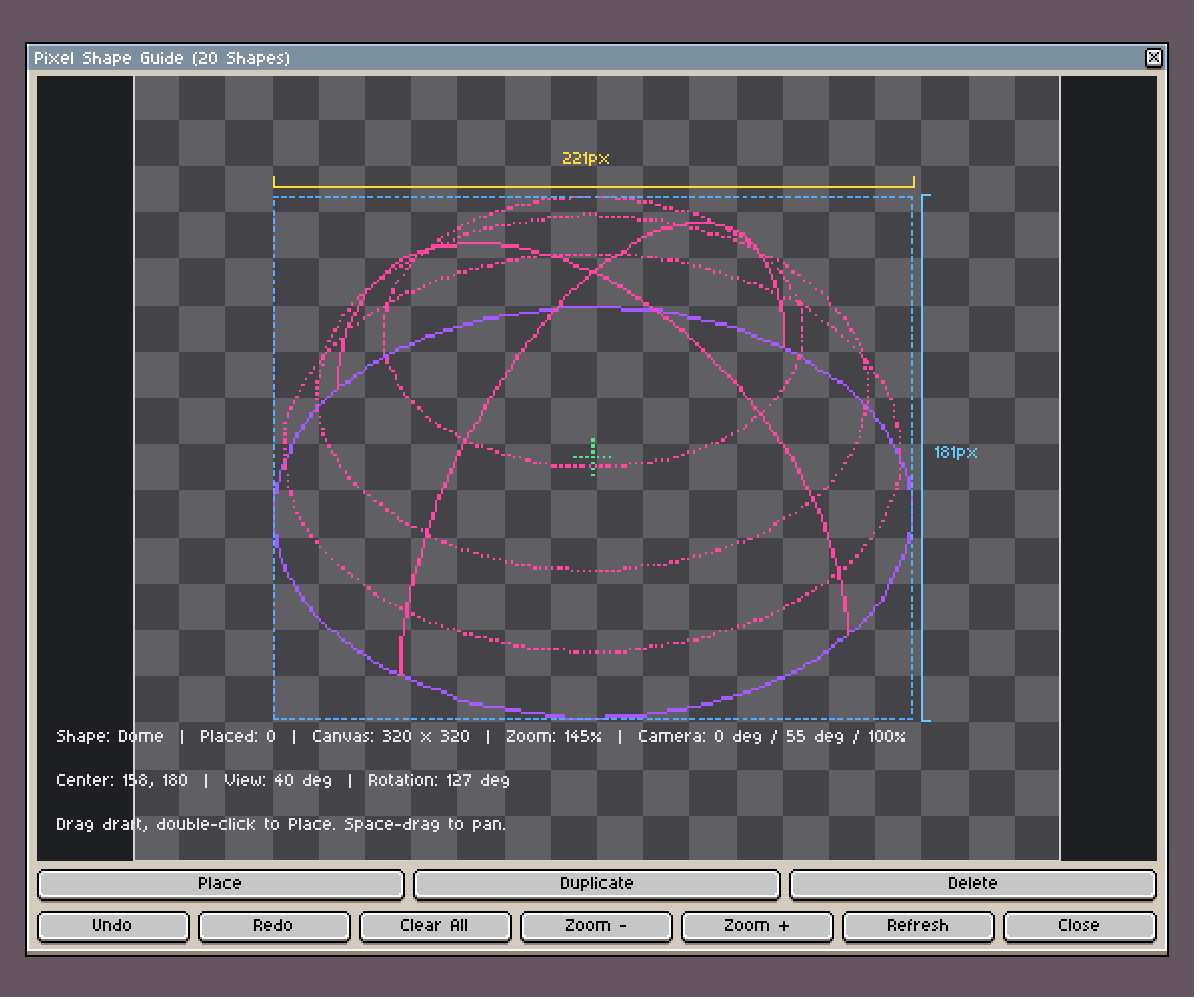
Pixel Shape Guide is an Aseprite script that lets you quickly place adjustable pixel-art construction guides directly onto your sprite.
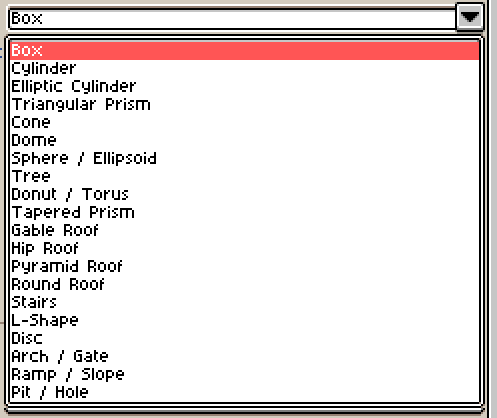
It provides 20 reusable guide shapes designed for level blockouts, buildings, props, terrain, and perspective studies, helping you maintain consistent proportions and viewing angles while drawing.
Features
- 20 built-in guide shapes, including:
- Boxes
- Cylinders
- Roofs
- Stairs
- Ramps
- Arches
- Trees
- Pits
- Adjustable width, depth, height, scale, view angle, and rotation
- Live preview over the active sprite
- Preview zoom, pan, and drag placement
- Grid snapping and origin presets
- Custom guide colors and opacity
- Separate guide layer for easy editing
- Supports both RGB and Indexed Color sprites
- Resizable preview and options windows
Installation
- Download and extract the ZIP file.
- In Aseprite, choose File → Scripts → Open Scripts Folder.
- Copy pixel_shape_guide.lua into the opened folder.
- Choose File → Scripts → Rescan Scripts Folder.
- Run File → Scripts → pixel_shape_guide.
Requirements
- Aseprite with Lua scripting and UI support
- An open RGB or Indexed Color sprite
Tested Environment
- macOS
- Aseprite v1.3.17 (Apple Silicon / arm64)
Other operating systems and Aseprite versions have not yet been tested.
Language
The script interface is currently available in English.
Downloads
Recommended: v0.2.0
Latest version with new shapes, local XYZ rotation, Surface Cuts, and bevel controls.
Legacy / Lightweight: v0.1.0
A simpler, lower-load version for older or lower-spec environments. Kept as a fallback option in case v0.2.0 does not work well on your setup.
Download
Click download now to get access to the following files:
Development log
Leave a comment
Log in with itch.io to leave a comment.